In this article, you’ll learn how to create a group chat using the messenger functionality. We’ll walk you through each step, from starting a new chat and selecting participants to reviewing the group setup and creating the chat. This makes sure your group chat is set up correctly and ready for communication.
Start a group chat
You can start a new conversation and send a message using the messenger functionality by following the steps below:
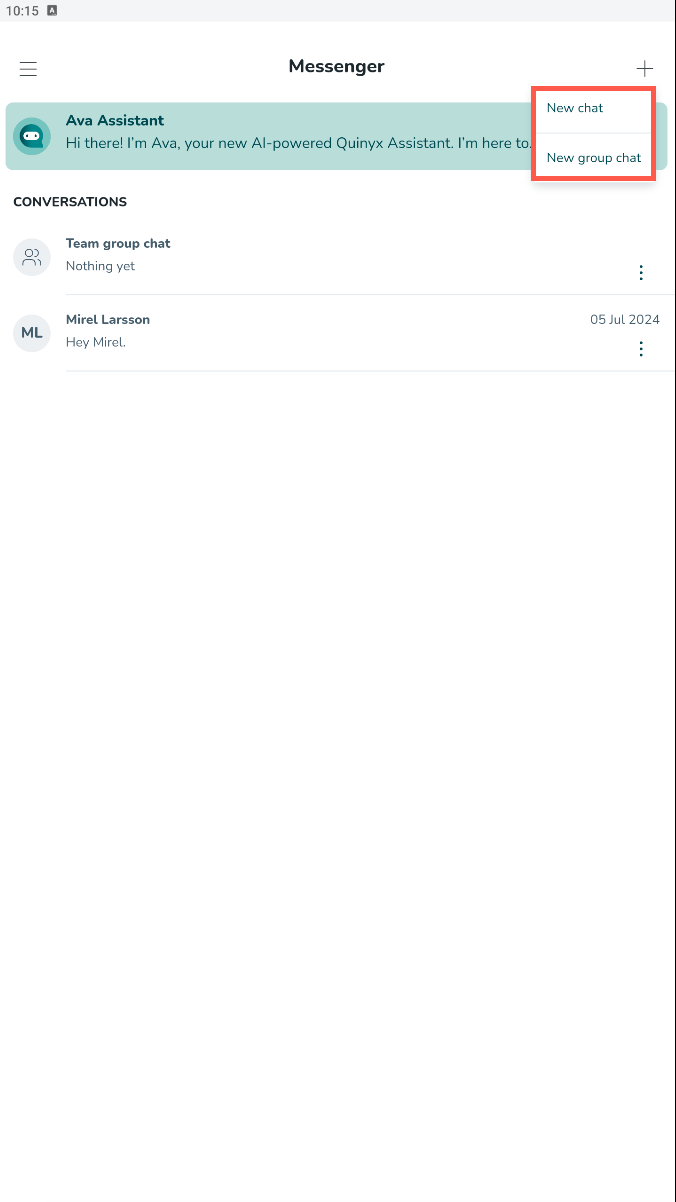
Select the plus icon in the top right corner.

Select new group chat.
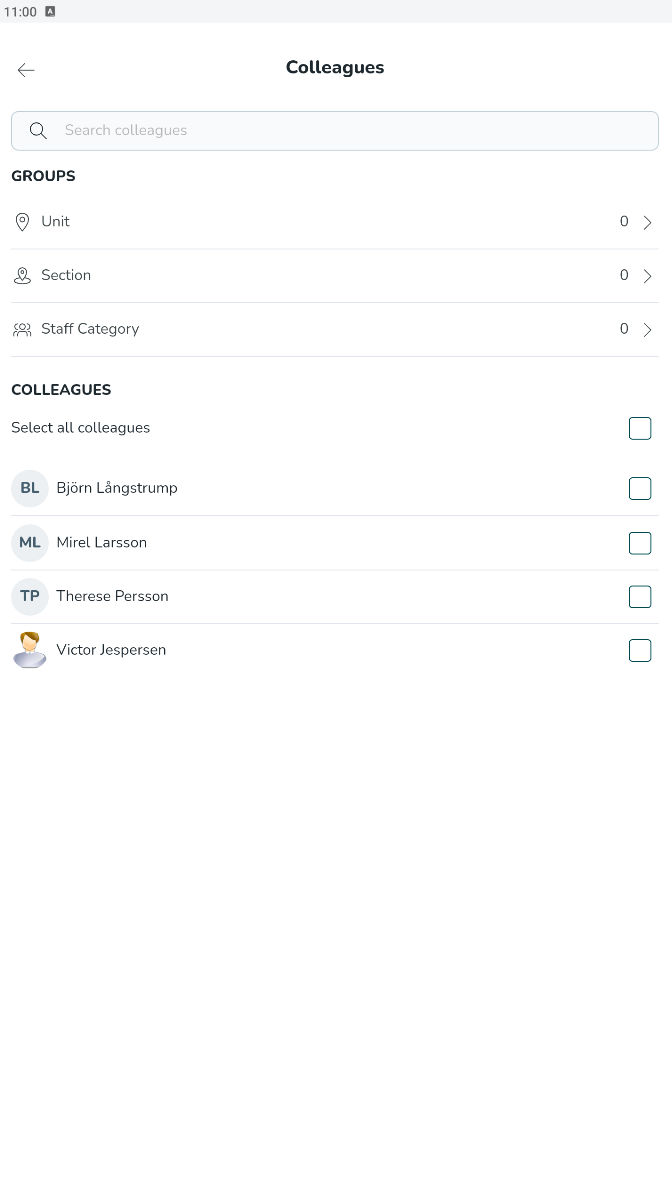
Select a unit, section, staff category, or the people you want to send a message to.
Give the group chat a name, and select Create group.

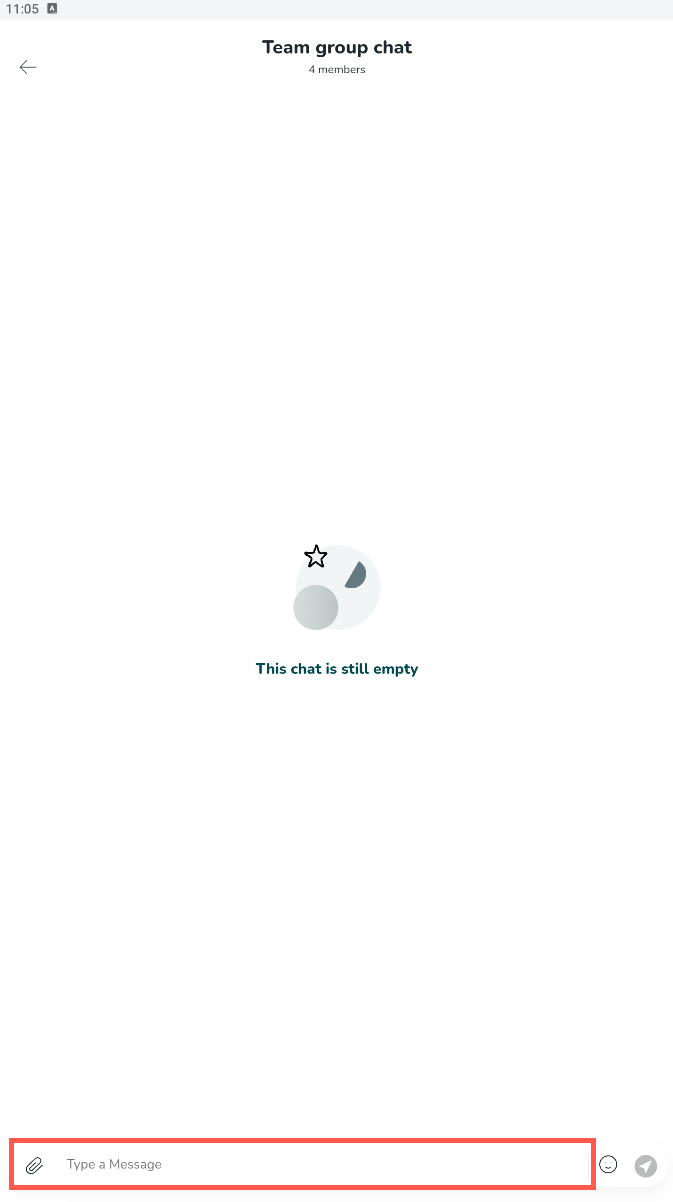
Send a message by selecting the Type a message column at the bottom.