---
title: "Mobile - Setup for Qpayslip"
slug: "setup-for-qpayslip"
tags: ["Qpayslip", "Payslip Document"]
updated: 2026-07-30T12:58:29Z
published: 2026-07-30T12:58:29Z
canonical: "help.quinyx.com/setup-for-qpayslip"
---
> ## Documentation Index
> Fetch the complete documentation index at: https://help.quinyx.com/llms.txt
> Use this file to discover all available pages before exploring further.
# Mobile - Setup for Qpayslip
### Feature information
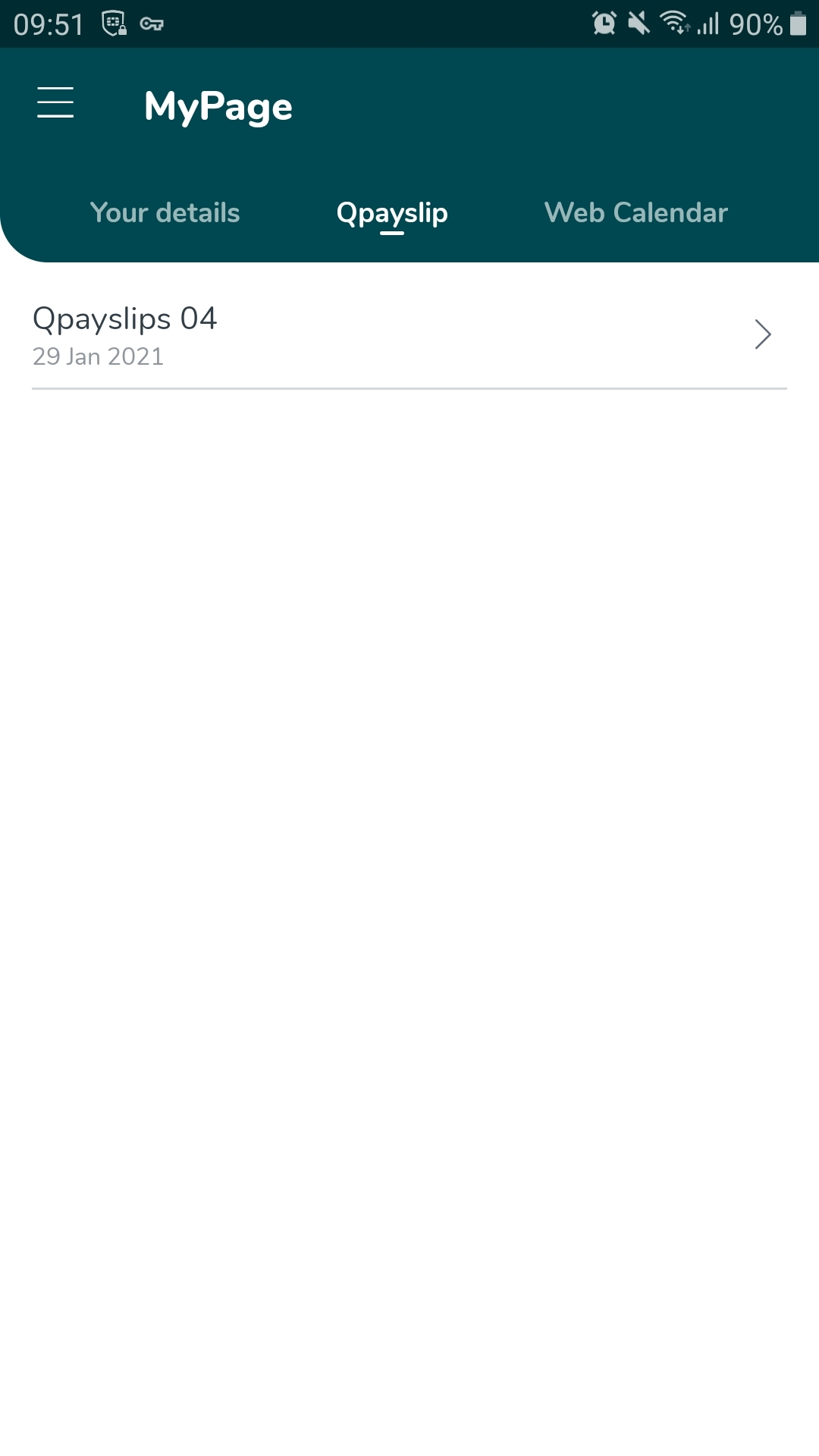
It is possible to tag Qmails ([wsdlSendQmail](/help-centre/docs/sendqmail)) that include a PDF-payslip document with a specific name and to make it possible to show and gather all payslips for a specific employee on a new page inside *MyPage* called *Qpayslip*. The last received Qpayslip is always on the top of the page.
### Parameters that you should set up in Request
#### Unit apiKey from unit card
```xml
{apiKey}
```
#### Send to employee ID
```xml
{employeeId}
```
#### Subject
This is recommended to be the payday date to make it clear when the salary is paid.
```xml
2020-02-25
```
#### Attachments
```xml
-
testMyPaySlip.pdf
JVBERi0xLjMNCjEgMCBvYmoNClsvUERGIC9UZXh0IC9JbW
```
**** is the file name that is going to be displayed in Qpayslip. Pay attention to putting the correct extension to the file
**** represents the encrypted content of the file.
> The fileName and fileContent are mandatory to send Qpayslip.
Example
```xml
(API key here)
-
(UserID here)
2025-06
Hello, here is your payslip ----------------------
(Managers UserID here)
-
(Name of the PDF file here)
(File encryption here)
true
```
### Outcome
In the example below, the text *Qpayslip 04* is the subject set by the creator of the payslip, and the text below 29 Jan 2021 is the date when the payslip was sent to the user; this is always displayed.